Notifications
Why notifications matter
Section titled “Why notifications matter”Notifications in SmartAsset OAT help you respond quickly to new leads and inbound messages. General Notifications cover all leads your company receives. Assigned Lead Notifications cover only the leads assigned to you.
Update your notification settings
Section titled “Update your notification settings”-
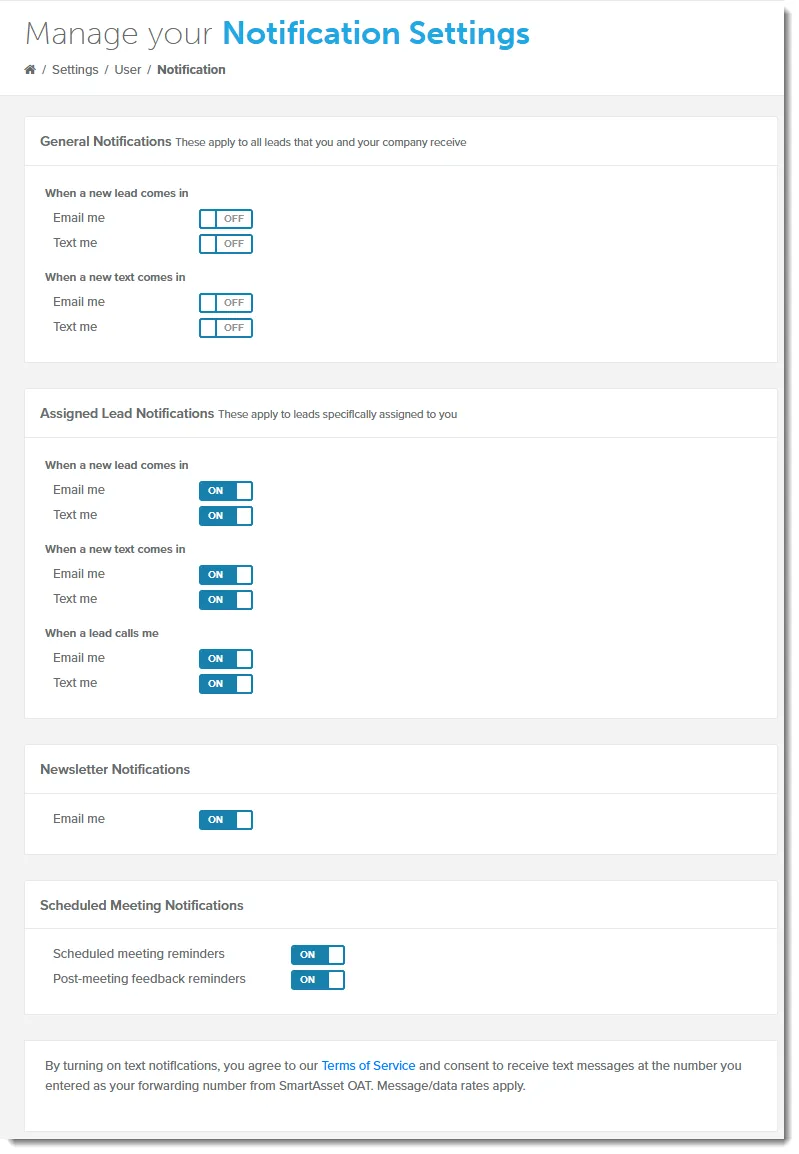
Go to Settings > Notifications.
-
For each event, such as When a new lead comes in, turn Email me or Text me on or off.
Your changes save as soon as you flip a switch.
What each section controls
Section titled “What each section controls”General Notifications
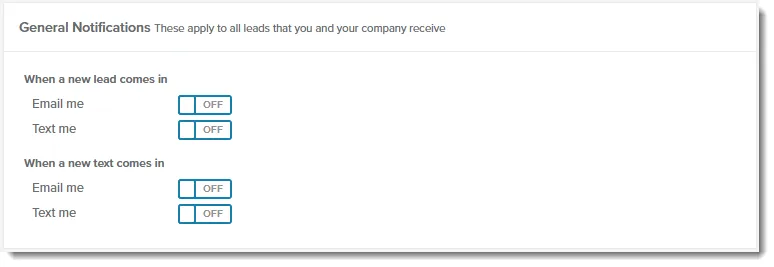
Section titled “General Notifications”These apply to all leads that you and your company receive.
- When a new lead comes in
- When a new text comes in
Assigned Lead Notifications
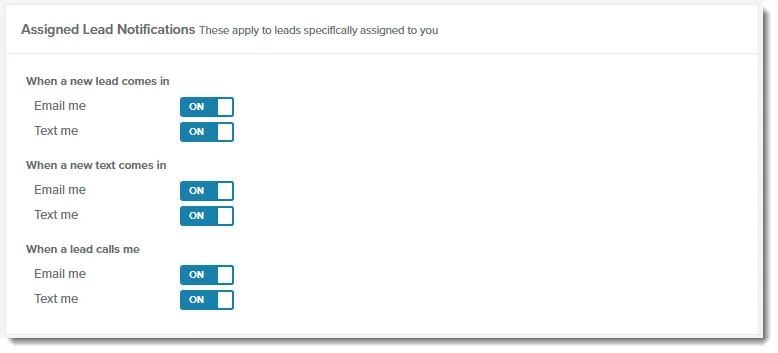
Section titled “Assigned Lead Notifications”These apply to leads specifically assigned to you.
- When a new lead comes in
- When a new text comes in
- When a lead calls me
Newsletter Notifications
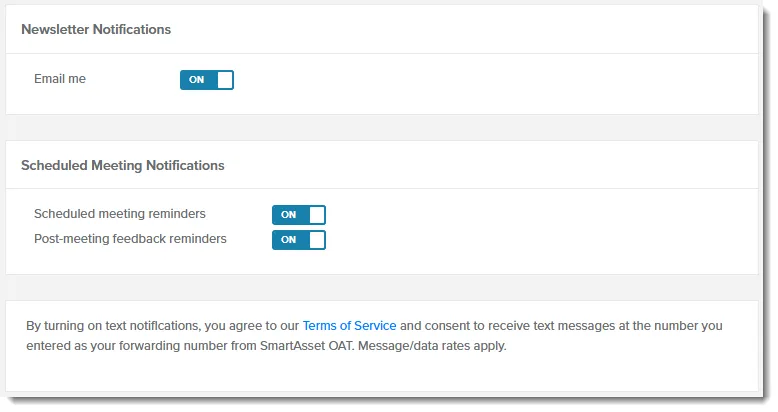
Section titled “Newsletter Notifications”This section has one Email me switch. Turn it on to get an email when:
- New newsletter drafts are ready for you to review
- A newsletter is still waiting on approval as its scheduled send date approaches
- A review of one of your newsletters is complete
For the newsletter review and approval workflow, see Getting Started with Newsletters.
Scheduled Meeting Notifications
Section titled “Scheduled Meeting Notifications”These emails cover meetings SmartAsset schedules between you and your leads.
- Scheduled meeting reminders: an email on the day of the meeting
- Post-meeting feedback reminders: an email the day after, asking how the meeting went